MetaTrader 5 (MT5) is a multi-asset trading platform developed by MetaQuotes Software Corp. It allows traders to analyze financial markets, place and manage trades, and run automated strategies across various asset classes like forex, stocks, and commodities. You'll need to open an account with a broker that supports MT5 to use it for live trading.
| Feature |
 Tickmill Tickmill
|
 JustMarkets JustMarkets
|
 AvaTrade AvaTrade
|
 BlackBull Markets BlackBull Markets
|
|---|---|---|---|---|
| Regulators | FCA · CySEC · FSCA | CySEC · FSCA · FSA · FSC · FSC | CBI, ASIC, FSCA, CySEC | FMA · FSA |
| Founded | 2014 | 2012 | 2007 | 2014 |
| Execution | NDD | STP | Market Maker, Instant execution | ECN, STP, NDD |
| Min Deposit | $100 | $10 | $100 | $0 |
| EUR/USD Spread | 0.6 pips | 1.0 pips | 0.8 pips | 0.0 pips |
| GBP/USD Spread | 0.6 pips | 129.81 ms | 1.2 pips | 0.0 pips |
| Gold Fee | 0.0 pips + $0.06/oz | 2.0 pips | 0.34 pips | 0.12 pips |
| Platforms | MT4, MT5, TradingView | MT4, MT5, Mobile App, CopyTrading | MT4, MT5, WebTrader, AvaTrade App, AvaOptions, AvaSocial, CopyTrading | MT4, MT5, cTrader, TradingView, CopyTrading |
| Open Account Read review | Open Account Read review | Open Account Read review | Open Account Read review |
If you’re looking to trade forex or other assets with MetaTrader 5 (MT5), you’ll need a broker that supports this powerful platform. MT5 offers advanced tools for market analysis, trade execution, and automated strategies. This guide covers what MT5 brings to the table and what to look for in a broker.
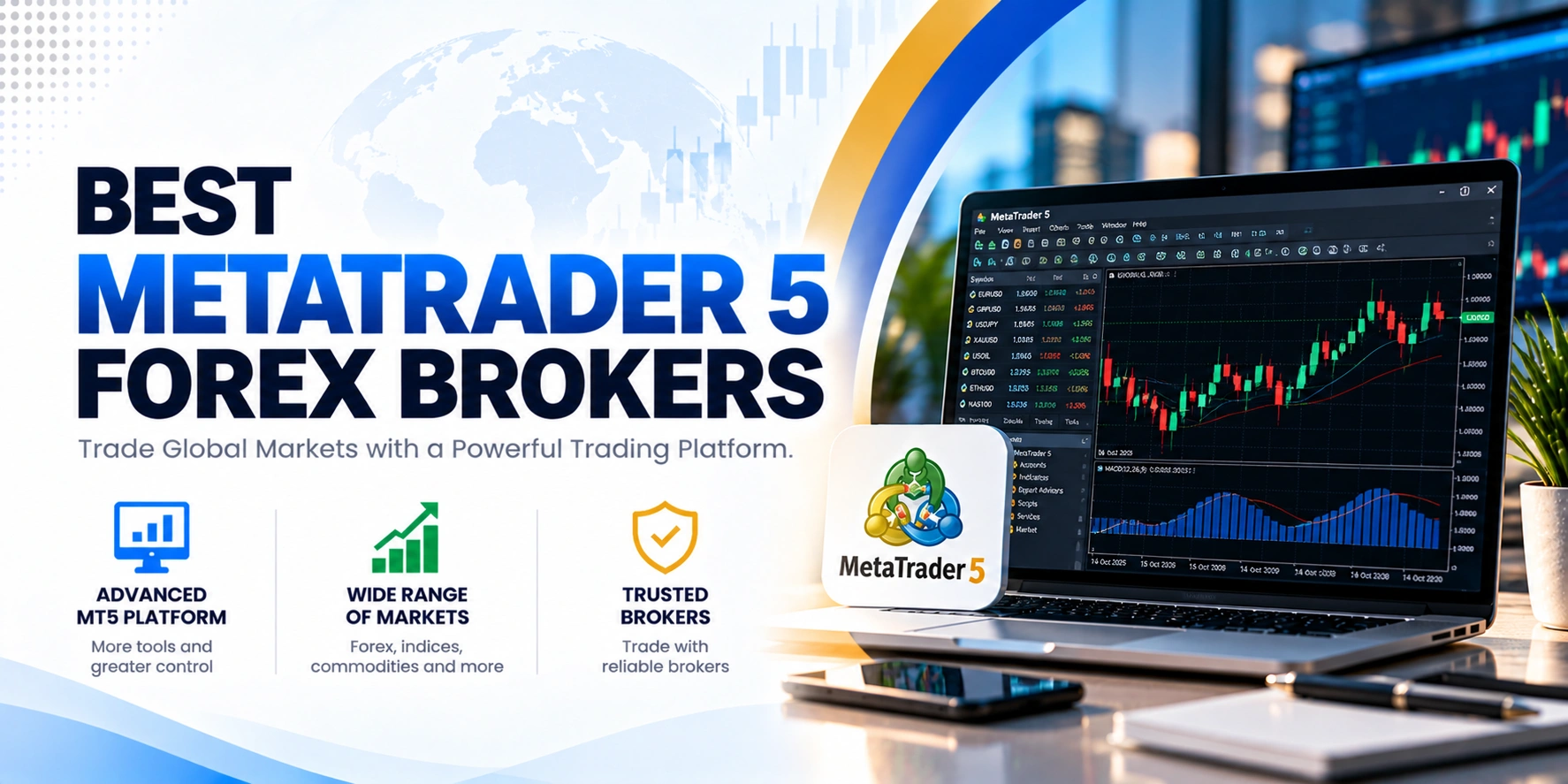
Before opening an account, always verify that a broker’s offerings align with your trading style, preferred asset classes, and regulatory requirements. It’s smart to check their spreads, commissions, and available account types to ensure they fit your needs.

Gerchik & Co operates under two Tier-3 offshore regulators: the Vanuatu Financial Services Commission (VFSC) and the Financial Services Commission of Mauritius (FSC Mauritius). While these provide a regulatory framework, they offer less stringent oversight compared to Tier-1 authorities. The broker does implement client fund…

FP Markets operates under the oversight of multiple financial authorities, providing a varied regulatory landscape for its global clientele. The broker holds licenses with Tier 1 regulators like ASIC and CySEC, alongside Tier 2 regulators such as FSCA and CMA Kenya, and a Tier 3…

CMC Markets operates under a robust regulatory framework, holding licenses from multiple top-tier authorities globally. This extensive oversight provides a high level of client protection, including fund segregation and negative balance protection for retail clients. While there was a warning from the FSCA against an…

Admirals operates under the supervision of several reputable financial authorities globally, offering a robust regulatory framework. This includes Tier-1 regulators like CySEC and FCA, alongside Tier-2 and Tier-3 licenses. Client funds are segregated, and negative balance protection is in place, enhancing overall safety for traders,…
TradeQuo operates as a highly strategic, multi-jurisdictional brokerage group that successfully blends premium regional oversight with flexible offshore licensing to offer an optimal, multi-tiered trading environment. The group establishes deep institutional credibility through its regional entities, notably Tradequomarkets Financial Services L.L.C which is authorized and…
FBS operates under a multi-regulatory structure, holding licenses from the FSC in Belize, CySEC in Cyprus, and ASIC in Australia. This setup offers clients varying levels of protection depending on their registered entity. While CySEC and ASIC provide robust oversight, the FSC license is considered…

IUX operates under multiple regulatory bodies to ensure a secure trading environment for its global client base. The group holds licenses from reputable authorities including ASIC in Australia and the FSCA in South Africa. Retail clients are primarily onboarded under their FSC Mauritius entity, which…

Weby Markets operates as an international business company incorporated under the laws of Saint Lucia. Here are the key regulatory details regarding its legal structure and operating environment: Legal Entity: Weby Markets Ltd Registration Authority: Registry of International Business Companies in Saint Lucia Registration Number:…
Vantage Markets operates under a complex regulatory structure, holding licenses from several authorities globally. Client funds are segregated, and negative balance protection is offered to eligible clients, though not universally guaranteed across all entities.
Headway operates under the authorisation of South Africa’s Financial Sector Conduct Authority, a tier-2 regulator that enforces strict AML and KYC standards but doesn’t offer retail investor compensation. The broker segregates client funds in separate accounts and provides negative balance protection, which adds meaningful safety…
Pepperstone operates under the oversight of several reputable financial authorities globally, including ASIC, FCA, and CySEC. This multi-jurisdictional regulation provides a strong framework for client protection, with segregated funds and negative balance protection for retail clients. While generally considered safe, traders should be aware of…
WELTRADE operates under several legal entities with varying regulatory oversight. While Weltrade SA (Pty) Ltd is regulated by South Africa’s FSCA, other entities are registered in jurisdictions like Saint Vincent and the Grenadines and Saint Lucia. These registrations offer limited financial supervision for forex trading…
Key To Markets operates under the regulation of the Financial Services Commission (FSC) of Mauritius, which is a Tier-3 regulator. The broker segregates client funds, a standard safety measure. While it previously held an FCA license, this has since been revoked. Traders should note that…
MetaTrader 5 is a multi-asset trading platform created by MetaQuotes Software Corp. It’s designed for analyzing financial markets, placing and managing trades, and running automated trading strategies. Traders and investors use it to buy and sell securities through a single interface. While it supports both Forex and exchange market environments, the specific asset classes you can trade depend on your broker. These can include forex, stocks, futures, commodities, indices, and cryptocurrencies.
MT5 charts visualize changes in currency, stock, and other security quotes. You get three chart types: broken line, sequence of bars, and Japanese Candlesticks. The platform offers extensive customization options for color schemes, templates, and profiles, and you can open up to 100 charts at a time.
For technical analysis, MT5 provides 21 timeframes, ranging from one-minute (M1) to one-month (MN). It also includes over 80 technical indicators and analytical tools, with more than 38 built-in indicators and 44 graphical objects. These indicators are categorized into trend, oscillators, and volume-based tools. If you need something specific, the MQL5 programming language lets you develop custom tools.
MT5 supports various order types to give you flexibility. These include market orders and six types of pending orders: Buy Limit, Sell Limit, Buy Stop, Sell Stop, Buy Stop Limit, and Sell Stop Limit. You can also set Stop Loss and Take Profit levels to manage your risk.
Automated trading is a core feature through Expert Advisors (EAs), which are programmed using MQL5. You can develop your own EAs, buy them from the Market, download free apps from the Code Base, or commission custom applications through the Freelance service. The platform also supports copy trading, letting you replicate the trades of other successful traders.
You can access MetaTrader 5 from almost anywhere. Free mobile applications are available for iPhone, iPad (iOS), and Android devices. If you prefer not to download software, the MetaTrader 5 WebTerminal lets you trade directly from any web browser and operating system without installation.
MetaTrader 5 was developed as an upgrade to MT4, designed to meet the growing demands of traders needing access to more asset classes and advanced tools. While MT4 was primarily built for forex trading, MT5 expands its scope to include a wider range of markets like shares, commodities, indices, futures, and cryptocurrencies, depending on your broker.
MT5 offers more analytical capabilities. It provides 21 timeframes compared to MT4’s 9, and over 38 built-in indicators compared to MT4’s 30. You’ll also find 44 analytical objects in MT5, while MT4 has 31. MT5 enhances order management with 6 types of pending orders, including Buy Stop Limit and Sell Stop Limit, whereas MT4 supports 4.
Other key differences include MT5’s built-in economic calendar, which MT4 lacks. MT5 supports both netting and hedging position accounting modes, while MT4 only supports hedging. The MQL5 programming language used in MT5 offers significantly faster backtesting and computing than MT4’s MQL4, allowing for more complex custom indicators. Furthermore, MT5’s strategy tester is multi-threaded and multi-currency, a significant improvement over MT4’s single-threaded tester.
MT5 offers access to a broad range of asset classes beyond just forex, making it a versatile choice for diversified traders. Its advanced charting tools, with up to 100 charts open at once and 21 timeframes, provide deep market analysis capabilities. The platform includes a large library of over 80 technical indicators and graphical objects, plus the flexibility to create custom tools using MQL5. You also get more sophisticated order types and a built-in economic calendar, which helps with fundamental analysis.
While powerful, MetaTrader 5 is a software platform; you can’t trade real money directly through it. You’ll need to open a real trading account with a financial broker that supports MT5 and has the necessary permissions. For new traders, the extensive features and advanced tools might present a steeper learning curve compared to simpler platforms. Also, while MQL5 is powerful, the community and existing library of EAs might be smaller than for MT4, though it’s growing.
Risk warning: Trading forex and CFDs carries a high level of risk and may not be suitable for every investor. You can lose some or all of your capital. This page is general information, not investment advice. Check a broker’s licence on the official register and read its terms before you open an account.
MetaTrader 5 is a multi-asset trading platform developed by MetaQuotes Software Corp. It’s used for analyzing financial markets, placing and managing trades, and running automated strategies. You can trade various securities through its single interface.
MetaTrader 5 supports trading in forex, stocks, futures, commodities, indices, and cryptocurrencies. The specific asset classes available to you will depend on what your chosen broker offers through their MT5 platform.
MT5 was built as an upgrade to MT4, supporting more asset classes beyond just forex. It offers more timeframes (21 vs. 9), more built-in indicators (38+ vs. 30), and additional pending order types. MT5 also includes an economic calendar and uses the faster MQL5 programming language.
Yes, MetaTrader 5 fully supports automated trading through Expert Advisors (EAs). These trading robots are programmed using the MQL5 language. You can develop your own EAs, purchase them, or download free applications from the platform’s Code Base.
Absolutely. Free MetaTrader 5 applications are available for both iPhone and iPad (iOS) devices, as well as Android-powered smartphones and tablets. This allows you to trade and monitor your accounts on the go.
To open a demo account, you first need to download the MetaTrader 5 platform from a broker or the MetaQuotes website. Once installed, you can select the option to open a demonstration account within the platform. This lets you practice trading without risking real money.
MetaTrader 5 offers three chart types: broken line, sequence of bars, and Japanese Candlesticks. You can open up to 100 charts simultaneously and customize them with various settings, color schemes, templates, and profiles for detailed analysis.
MT5 supports market orders and six types of pending orders: Buy Limit, Sell Limit, Buy Stop, Sell Stop, Buy Stop Limit, and Sell Stop Limit. You can also set Stop Loss and Take Profit levels to manage your trades effectively.