TradingView is a powerful, cloud-based charting platform and social community for financial market analysis. It supports a wide range of asset classes including stocks, forex, crypto, and commodities. Traders can connect their brokerage accounts to execute trades directly, leveraging professional-grade tools and community-created indicators.
| Feature |
 CMC Markets CMC Markets
|
 Admirals Admirals
|
 BlackBull Markets BlackBull Markets
|
 Gerchik & Co Gerchik & Co
|
|---|---|---|---|---|
| Regulators | FCA · ASIC · MAS | CySEC · FCA · FSCA | FMA · FSA | VFSC · FSC Mauritius |
| Founded | 1989 | 2001 | 2014 | 2015 |
| Execution | Market Maker | STP | ECN, STP, NDD | STP |
| Min Deposit | $0 | €1 | $0 | $10 |
| EUR/USD Spread | 0.5 pips | 0.15 pips | 0.0 pips | 1.0 pips |
| GBP/USD Spread | 0.9 pips | 0.3 to 1.4 pips | 0.0 pips | 0.4 pips |
| Gold Fee | $0.35 | $0.25 to $0.45 per lot | 0.12 pips | $10 |
| Platforms | MT4, MT5, Web, Mobile, TradingView | MT4, MT5, WebTrader, Mobile, TradingView | MT4, MT5, cTrader, TradingView, CopyTrading | MT4, MT5, CopyTrading |
| Open Account Read review | Open Account Read review | Open Account Read review | Open Account Read review |
If you’re looking for a broker that integrates directly with TradingView, you’ve landed on the right page. This guide cuts through the noise, focusing on what TradingView offers as a platform and what you should consider when choosing a forex broker to use with it. We’ll cover its core features, how to get started, and what to watch out for.
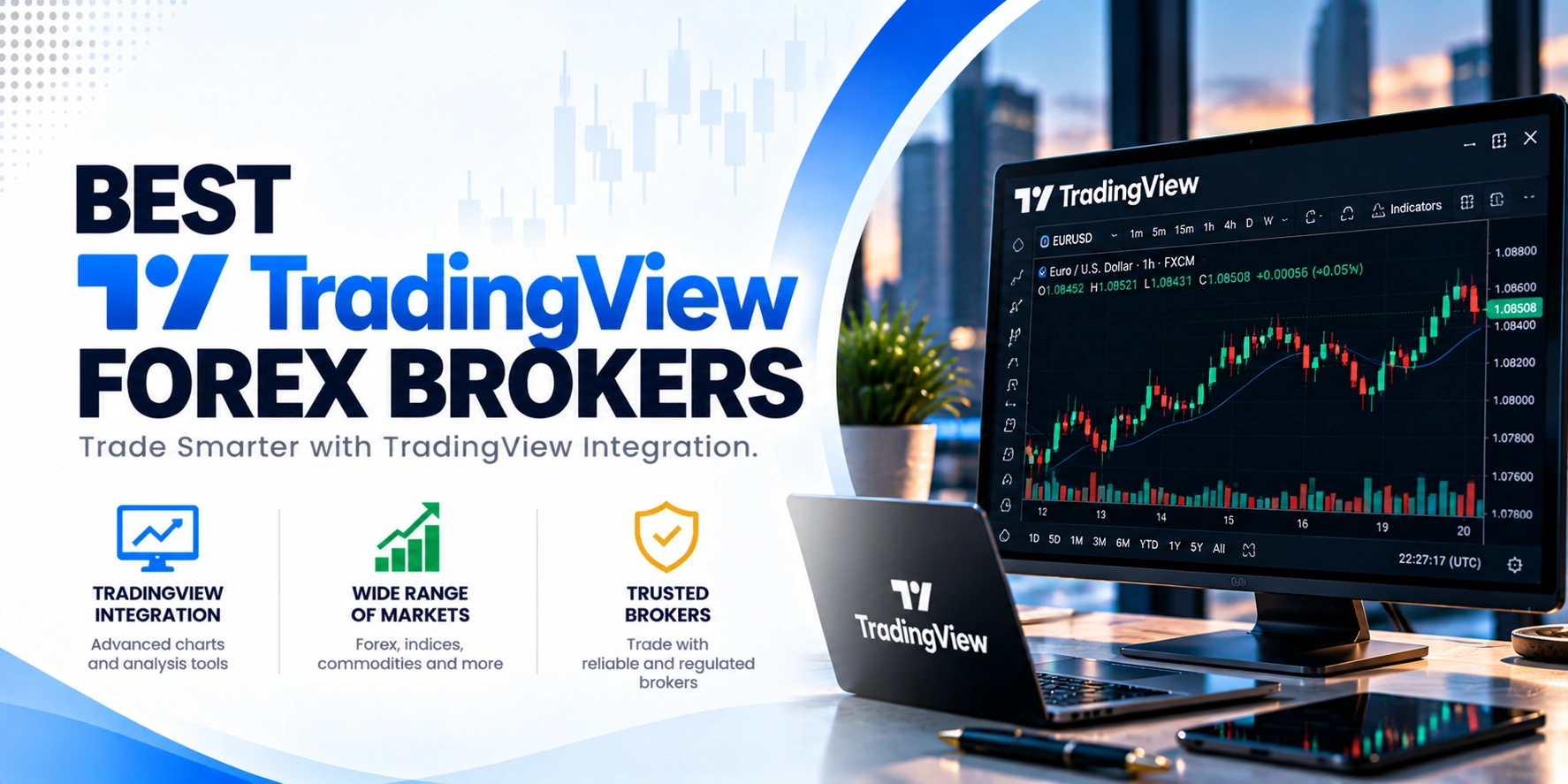
Before you open any account, always check that a broker supports the specific asset classes you want to trade and offers the order types you plan to use. Also, verify their regulatory status and fee structure directly on their official website. This due diligence is crucial for your trading setup.
TradeQuo operates as a highly strategic, multi-jurisdictional brokerage group that successfully blends premium regional oversight with flexible offshore licensing to offer an optimal, multi-tiered trading environment. The group establishes deep institutional credibility through its regional entities, notably Tradequomarkets Financial Services L.L.C which is authorized and…

Vantage Markets operates under a complex regulatory structure, holding licenses from several authorities globally. Client funds are segregated, and negative balance protection is offered to eligible clients, though not universally guaranteed across all entities.
Trade Nation operates under the oversight of several reputable financial authorities, including the UK’s FCA and Australia’s ASIC, which are considered top-tier regulators. This multi-jurisdictional licensing provides a robust framework for client protection, including segregated funds and negative balance protection for retail clients. While some…

Pepperstone operates under the oversight of several reputable financial authorities globally, including ASIC, FCA, and CySEC. This multi-jurisdictional regulation provides a strong framework for client protection, with segregated funds and negative balance protection for retail clients. While generally considered safe, traders should be aware of…

OANDA holds licenses from numerous top-tier regulators globally, including the CFTC, FCA, and ASIC. This extensive oversight provides a strong framework for client protection, including segregated funds and negative balance protection for retail clients. The broker’s long operating history since 1996 further reinforces its reputation…

Eightcap operates under the oversight of several financial authorities, providing a multi-jurisdictional regulatory framework. Its primary licenses from the FCA in the UK and ASIC in Australia are considered top-tier, offering robust client protections. Client funds are segregated, and Negative Balance Protection is available for…

IG operates under a robust regulatory framework, holding licenses from multiple top-tier authorities like the FCA, ASIC, and FINMA. This broad oversight ensures client fund segregation and negative balance protection for retail traders. While the regulatory landscape is strong, recent warnings and class actions highlight…
IC Markets Global operates under Raw Trading Ltd, regulated by the Seychelles Financial Services Authority (FSA). This is considered a Tier-3 offshore regulation, offering a less stringent oversight environment compared to Tier-1 regulators. While the broker’s official site confirms its license, specific client protections like…
FOREX.com operates under a robust global regulatory framework, holding licenses with several top-tier authorities worldwide. This broad oversight, including regulators like the FCA, ASIC, and CFTC, provides a high level of confidence for traders. Client funds are segregated, and negative balance protection is in place…

Fusion Markets operates under several regulatory bodies, including ASIC in Australia and CySEC in Cyprus, alongside offshore licenses from VFSC and FSA. This multi-jurisdictional approach provides varying levels of client protection depending on the entity. While ASIC and CySEC are Tier-1 regulators, the CySEC register…

Tickmill operates under a robust multi-regulatory framework, holding licenses from several reputable financial authorities. This extensive oversight, including Tier-1 regulators like the FCA and CySEC, provides a high level of client protection. The broker also segregates client funds and offers negative balance protection, reinforcing its…
FxPro operates under a multi-regulatory framework, holding licenses from several reputable financial authorities. This diverse regulatory oversight offers varying levels of client protection depending on the entity you trade with. Client funds are segregated, and negative balance protection is in place for all clients, enhancing…

ActivTrades operates under multiple regulatory bodies, including the Financial Conduct Authority (FCA) in the UK, which is a top-tier regulator. They also hold licenses with the SCB in the Bahamas, the FSC in Mauritius, and the UAE CMA. While this multi-jurisdictional oversight provides a broad…
TradingView is a powerful, cloud-based charting platform that also functions as a social community for financial market analysis. Founded in 2011 by Konstantin Ivanov, Denis Globa, and Stan Bokov, it’s an American-British company with headquarters in New York City. The platform supports a broad range of asset classes, letting you analyze everything from stocks and ETFs to indices, cryptocurrencies, forex, commodities, bonds, futures, and options. It’s designed to be a central hub for market insights and trade execution.
TradingView packs a lot of functionality into its platform, making it a robust choice for many traders. It offers professional-grade charting tools that are highly customizable. You can pick from over a dozen chart styles, including popular options like Japanese candlesticks, Renko, and Heikin Ashi. The platform also lets you draw trend lines, identify chart patterns, and add visual annotations directly to your charts. Plus, you can compare multiple assets within the same chart, which is handy for relative strength analysis.
When it comes to indicators, you’ll find over 100 built-in options. What really sets TradingView apart is its Pine Script™ language, which has led to a massive library of more than 100,000 community-created scripts. This means you have access to a huge variety of custom indicators and strategies. The platform also supports automated trading; you can develop and implement your own strategies using Pine Script, and work steps within the program can be automated. We couldn’t confirm information about copy trading features.
TradingView supports essential order types, including market, limit, stop, and stop-limit orders. It also handles bracket orders, which are useful for setting stop-loss and take-profit levels simultaneously. You can access TradingView as a desktop app, a mobile app, or directly through your web browser, thanks to its cloud-based service. Information on specific timeframes was not found in our research.
One of TradingView’s main benefits is its comprehensive charting capabilities. You get professional-grade tools, customizable charts, and a vast selection of chart styles. The platform’s extensive library of over 100 built-in indicators, plus more than 100,000 community-created scripts via Pine Script™, gives you immense flexibility for analysis. You can also develop and implement your own automated trading strategies. The ability to connect your brokerage account and execute trades directly from the platform streamlines your workflow. Plus, its availability across desktop, mobile, and web means you can access your analysis from anywhere.
While a free account lets you explore core features, you’ll need paid upgrades for real-time data and more advanced analysis tools if you’re serious about professional-level trading. Some specific order types, like stop-limit orders, also depend on your connected broker supporting them. It’s not a standalone broker, so you’ll always need a separate brokerage account to trade. Our research didn’t confirm details on specific timeframes, copy trading features, or VPS requirements, so you’d need to check those directly if they’re important to your strategy.
TradingView is a cloud-based charting platform and social community for financial market analysis. It was founded in 2011 and provides professional-grade tools for analyzing various asset classes. You can connect your broker account to execute trades directly from the platform.
TradingView supports a broad range of asset classes, including stocks, ETFs, indices, cryptocurrencies, forex, commodities, bonds, futures, and options. This comprehensive coverage allows traders to analyze and potentially trade across diverse markets using a single platform.
Yes, TradingView supports automated trading. You can develop and implement your own strategies using its Pine Script™ language. The platform allows for the automation of work steps within the program, giving traders flexibility in their approach to market execution.
You can sign up for a free account to explore TradingView’s core features. However, paid upgrades are necessary if you need real-time data, more advanced analysis tools, or professional-level trading capabilities. The free version is a good starting point to get familiar with the platform.
To connect a broker, you first sign up for TradingView. Then, from the trading panel, you can connect a supported brokerage account or a paper trading account. This integration allows you to execute trades directly through your broker using TradingView’s interface and tools.
TradingView offers professional-grade, customizable charting tools. You get over a dozen chart styles, including Japanese candlesticks, Renko, and Heikin Ashi. It also lets you draw trend lines, chart patterns, add visual annotations, and compare multiple assets on the same chart.
Absolutely. TradingView comes with over 100 built-in indicators. Beyond that, its Pine Script™ language enables a vast community to create and share more than 100,000 custom scripts. This means you have access to a huge library of indicators and strategies.
TradingView supports common order types like market orders, limit orders, stop orders, and stop-limit orders. It also handles bracket orders, which include stop-loss and take-profit orders. Keep in mind that some specific order types might require your connected broker to support them as well.